
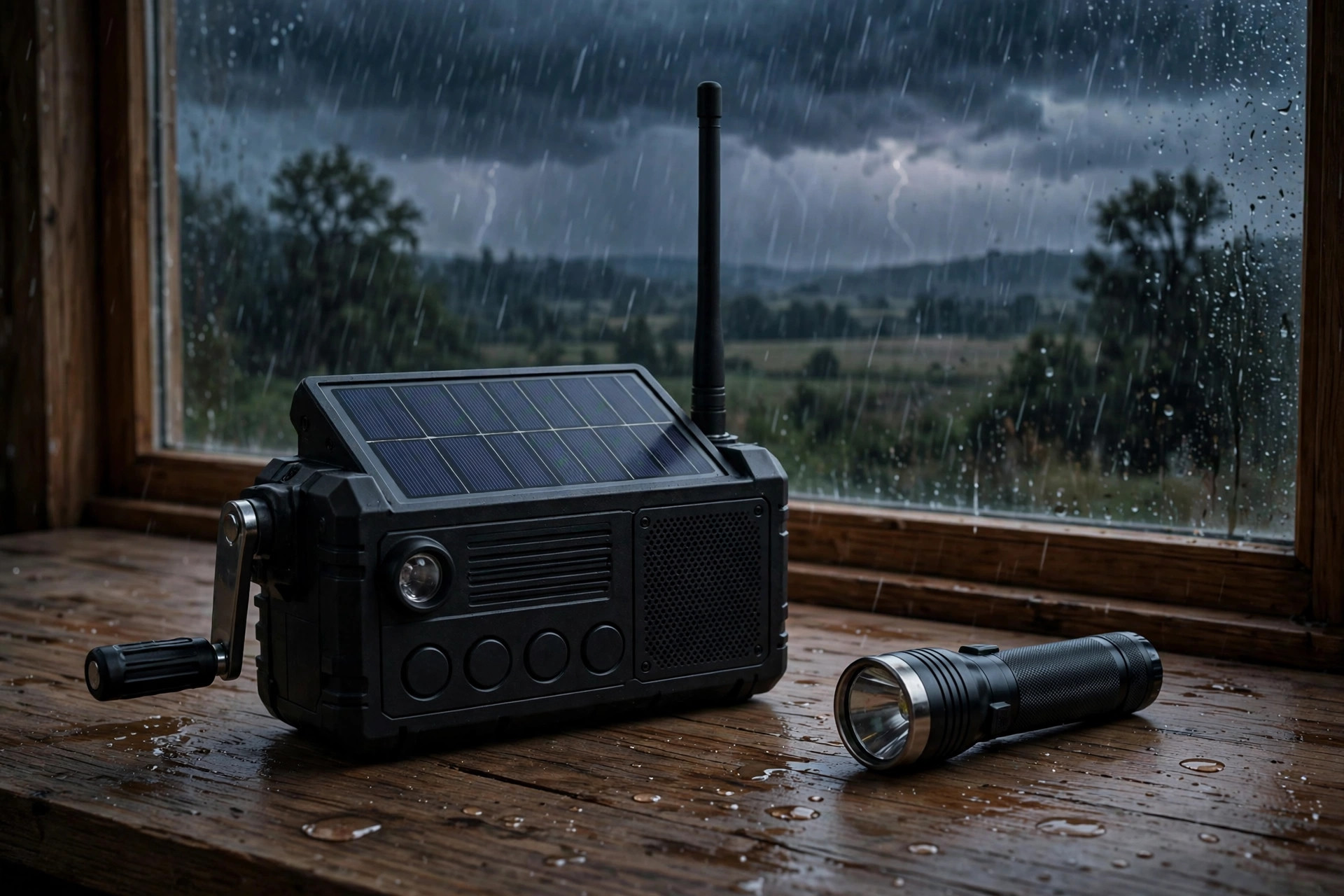
Your phone can do almost everything a radio can do — weather alerts, news, maps, messages — right up until the moment it cannot. That moment arrives faster than most people expect: networks overload, batteries die, and a phone with no signal is a torch and a paperweight. An emergency radio looks old-fashioned next to a smartphone, but it works on a completely different principle: it receives broadcasts that do not need a mobile network, a data plan, or a charged battery from the mains. The question is not which device is better in general. It is which one still works when the infrastructure fails.
What phones do well, and where they stop
Phones are brilliant for targeted information: an alert for your exact area, a message from family, a map showing an evacuation route. Weather and disaster apps, official alert apps, and local authority feeds all deliver information a radio cannot personalise. Their weaknesses are shared, though: they need a charged battery, a working network, and often a data connection. In a major incident, networks saturate within minutes as everyone calls and streams at once. Texts often get through when calls do not, which is why our communication plan puts texting first — but even texts need a network that is at least partly alive. A phone is a superb first layer of information. It is a fragile only layer.
What a radio does that a phone cannot
A battery, solar, or hand-crank radio receives AM, FM, and weather-band broadcasts from transmitters that keep running on backup power long after mobile masts fail or overload. It needs no SIM, no subscription, and no network, and a hand-crank model needs no mains power at all — a few minutes of cranking buys an hour or more of listening. Radios also carry official broadcasts continuously, so you hear updates as they are issued rather than waiting for a push notification that may never arrive. Our radio buying guide covers crank, solar, and weather-band models in detail. The trade-off is that radio is one-way and general: it tells you what is happening in your region, not what your family is doing, and it cannot send a message or show a map.
Comparison at a glance
| Phone + apps | Emergency radio | |
|---|---|---|
| Needs mobile network | Yes | No |
| Needs mains charging | Yes, regularly | No — crank, solar, or batteries |
| Personalised alerts | Yes, for your area | No, regional broadcasts |
| Two-way contact | Yes, calls and texts | No |
| Works in a network outage | No | Yes |
The sensible setup: both, in layers
It is also worth testing both before an emergency, not during one. Tune the radio to your local stations and weather band, save the frequencies on a card, and check that the crank and batteries work. On the phone side, enable official emergency alerts in settings, download offline maps for your area, and store key numbers on paper as well as in contacts. A test that takes twenty minutes on a quiet evening prevents a frustrating hour of fumbling in the dark when information matters most.
Do not choose between them. Use the phone for what it is best at — personal alerts, family contact, maps — and keep a radio for what the phone cannot do — continuous official information with no network. Charge a power bank as part of your blackout routine, keep the radio where you can find it in the dark, and practise tuning it before you need it, so a stressful night is not the first time you use it. Add a pair of two-way radios for short-range family contact if you want a third layer that needs neither network nor mains. The household that hears the evacuation order on the radio, confirms it by text, and navigates by a paper map is the household that is not waiting on a single point of failure.
Shop the layered setup
- A hand-crank emergency radio — information with no network and no mains.
- A large portable power bank — keeps the phone layer alive longer.
- Family two-way radios — contact without a mobile network.
As an Amazon Associate, Alien Bunker earns from qualifying purchases. This page contains affiliate links, which support the site at no extra cost to you.