
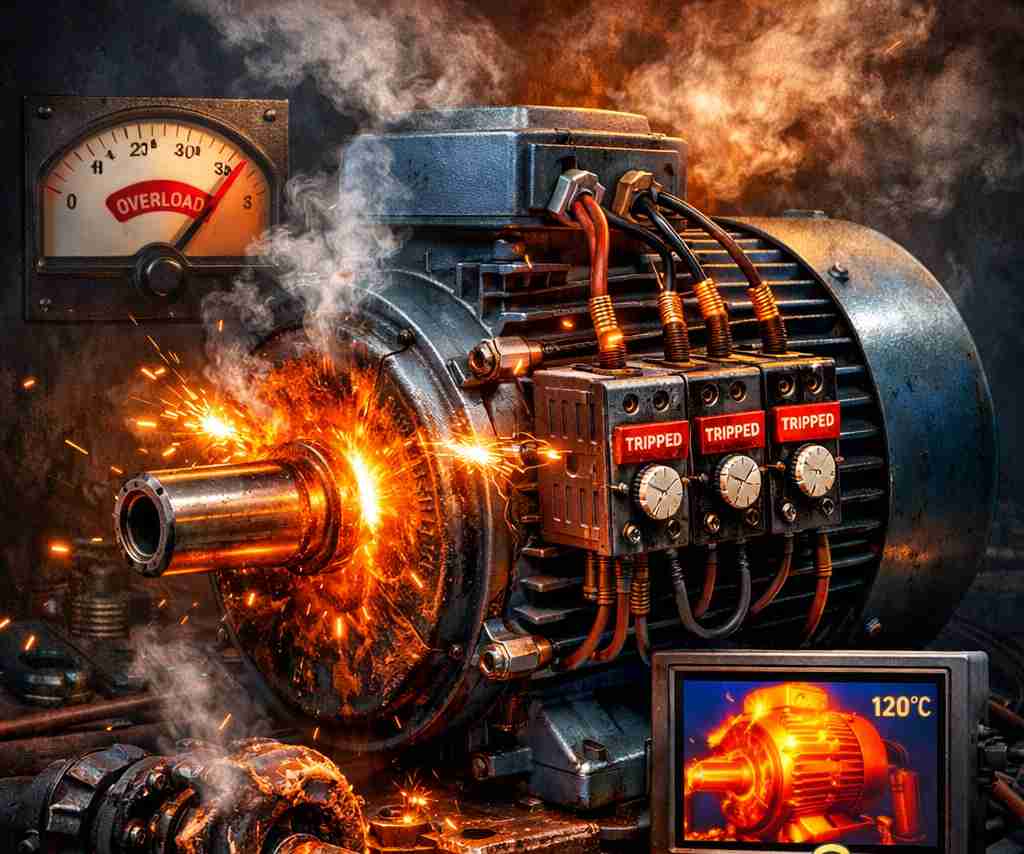
Imagine this: you’re halfway through printing a batch of t-shirt transfers for a weekend pop-up shop, and your Epson printer suddenly screeches to a halt. The LCD screen flashes a cryptic code: 0xE5. Your carriage is stuck, your prints are ruined, and your deadline is ticking. Welcome to the nightmare of the CR (Carriage) Motor Overload error.
This error is one of the most frustrating mechanical failures in Epson printers. It doesn’t just pause your workflow—it completely locks up the print head, making the printer unresponsive. But don’t throw your printer out the window yet. At Alienbunker.com, we’ve dug into the guts of this error to bring you a practical, step-by-step guide to getting your printer back online. Whether you’re running a small t-shirt business or just need to print school projects, this guide will save you time, money, and a lot of cursing.
What Is Epson Error Code 0xE5?
Error code 0xE5 is Epson’s way of saying, “My carriage motor is working too hard, and I’m going to shut down before I break something.” In technical terms, it’s a CR Motor Overload error. The CR motor is the small electric motor that slides the print head (the part holding your ink cartridges) back and forth across the paper. When something blocks this movement—like a jammed paper scrap, a tangled ink tube, or a dried ink blob—the motor draws too much current. The printer’s logic board detects this spike and throws the 0xE5 error to prevent damage.
This error is common in Epson WorkForce, EcoTank, and SureColor models, especially after heavy use or when you’ve been printing high-volume jobs (like t-shirt transfers). It can also happen if you’ve recently refilled ink tanks and accidentally spilled ink inside the printer. The good news? In most cases, the motor itself isn’t dead—it’s just being blocked. You can fix it without replacing any parts.
6 Step-by-Step Solutions to Fix Error 0xE5
Before you start, unplug your printer from power. Safety first—you don’t want the carriage to move unexpectedly while you’re poking around. Also, grab a flashlight, tweezers, and some isopropyl alcohol (90% or higher).
Solution 1: Clear Physical Obstructions
The most common cause of 0xE5 is something physically blocking the carriage path. Open the printer cover and look for:
- Scraps of paper stuck under the carriage
- Staples, paper clips, or debris
- Dried ink blobs on the metal guide rod
Use tweezers to remove any visible debris. Then, manually slide the carriage (the part holding the ink cartridges) from left to right. It should move smoothly. If it catches on something, keep removing debris until it glides freely. This alone fixes about 40% of 0xE5 errors.
Solution 2: Lubricate the Guide Rod
If the carriage moves but feels gritty or stiff, the metal rod it slides on may be dry. Over time, the factory grease turns into sticky goo. Apply one drop of synthetic sewing machine oil (NOT WD-40) to the rod. Move the carriage back and forth to spread the oil. Wipe away excess with a lint-free cloth. This reduces friction and stops the motor from overloading.
Solution 3: Reset the Printer’s Logic Board
Sometimes the error is a false alarm caused by a glitchy sensor. To reset:
- Unplug the printer for 5 minutes.
- Press and hold the “Power” button for 30 seconds (while unplugged) to drain residual charge.
- Plug it back in and turn it on.
If the error disappears, you’re in luck. If not, move to the next step.
Solution 4: Check the Ink Tubes (For EcoTank Models)
In EcoTank printers, the ink tubes that run from the tanks to the print head can get tangled or kinked. Gently pull the tubes straight and make sure they aren’t looped under the carriage. Also check for dried ink clogs at the tube ends. If you see a hard plug of ink, soak it in warm water for 10 minutes, then dry it before reinserting.
Solution 5: Manually Home the Carriage
If the carriage is stuck at one end, you can try to manually “home” it. Look for a small gear or belt near the carriage. Gently rotate the gear to move the carriage toward the center. WARNING: Don’t force it—if it won’t move, stop. Forcing can strip the gear teeth. This trick works best if the carriage is just slightly off-track.
Solution 6: Replace the CR Motor (Last Resort)
If none of the above works, the motor itself may be burnt out. You’ll need to replace it. Here’s a quick checklist:
| Step | Action |
|---|---|
| 1 | Order a replacement CR motor for your specific Epson model (check the sticker inside the printer). |
| 2 | Remove the screws holding the metal frame around the carriage. |
| 3 | Disconnect the motor’s ribbon cable (note its orientation). |
| 4 | Unscrew the old motor and install the new one. |
| 5 | Reassemble and test. |
Replacing the motor requires some mechanical confidence. If you’re not comfortable, take it to a repair shop. But for DIYers, it’s a $15 part and 30 minutes of work.
Frequently Asked Questions
Q1: Can error 0xE5 damage my printer permanently?
In most cases, no. The error is a safety feature that shuts down the printer before damage occurs. However, if you keep ignoring it and try to print, you can burn out the CR motor or damage the logic board. Always troubleshoot immediately.
Q2: Do I need to replace the entire printer?
Rarely. Over 90% of 0xE5 errors are fixable with cleaning, lubrication, or removing obstructions. Only consider replacement if the logic board is fried (a rare event).
Q3: Will this error happen again after I fix it?
It can, especially if you print heavily without maintaining the printer. Regular cleaning of the guide rod and keeping the carriage area free of debris will prevent recurrence.
Q4: Is this error covered under warranty?
It depends. If the printer is under warranty and the error is caused by a manufacturing defect (like a weak motor), Epson may cover it. But if it’s caused by user neglect (like dried ink), they’ll likely refuse. Check your warranty terms.
Q5: Can I use WD-40 to lubricate the guide rod?
No! WD-40 is a solvent, not a lubricant. It will dry out the rod and attract more dust. Use synthetic sewing machine oil or white lithium grease instead.
EDITOR’S NOTE
Here at Alienbunker.com, we believe printers are secretly sentient beings that enjoy causing chaos right before a deadline. Error 0xE5 is proof—your printer isn’t broken; it’s just having a tantrum because it wants a snack. Feed it some oil, clear its path, and it’ll behave. If not, threaten it with a hammer. (Don’t actually hit it. We’re not liable for your anger management issues.)
Summary
Epson error code 0xE5 is a mechanical overload caused by a blocked or stiff carriage. Most cases are fixable with simple cleaning and lubrication. Here’s the checklist to keep handy:
- Clear debris from the carriage path
- Lubricate the guide rod with synthetic oil
- Reset the printer by unplugging
- Check for kinked ink tubes (EcoTank models)
- Manually home the carriage if stuck
- Replace the CR motor only as a last resort
For more printer troubleshooting guides and t-shirt printing tips, check out our other posts on Alienbunker.com. And if you’re looking to start a t-shirt business, we’ve got you covered with business ideas that actually work.

Leave a Reply